Install
Launch Quake Live once.
Get it from Steam. If the console does not open, enable it in the game settings.
Six public servers Network ready
No account with us. No launcher ritual. Install Quake Live, copy one direct-connect command, and drop into a community arena in Spring, Texas.
Checking live population…
Install
Get it from Steam. If the console does not open, enable it in the game settings.
Choose
FFA is the easiest first stop; the live count will point you toward any active fight.
Connect
The copied command takes you straight in. Joining an idle server can summon the next player.
Direct frequencies
Every card is live. Copy its command, open the Quake Live console with ~, paste and press Enter.
Inside the arena
These chat commands expose ratings, balance, maps, spectators and the rest of the network without leaving the match.
!statsYour stats and current-mode rating.!elosCurrent players and their mode ratings.!teamsTeam-balance analysis and a safe swap proposal.!lmRecently played maps.!qPlayers waiting from spectator.!sCurrent spectators.!rulesQuick server and rating rules.!commandsEvery available command and alias.New blood
A friendly, visual handbook from your first strafe to item timing and team play.
Open the field manual →Network intelligence
Profiles, five Glicko-2 ladders, matches, weapons, population and live arrivals.
Enter the analytics lab →Find your rivals
Open player dossiers and explore the real co-play constellation built from match history.
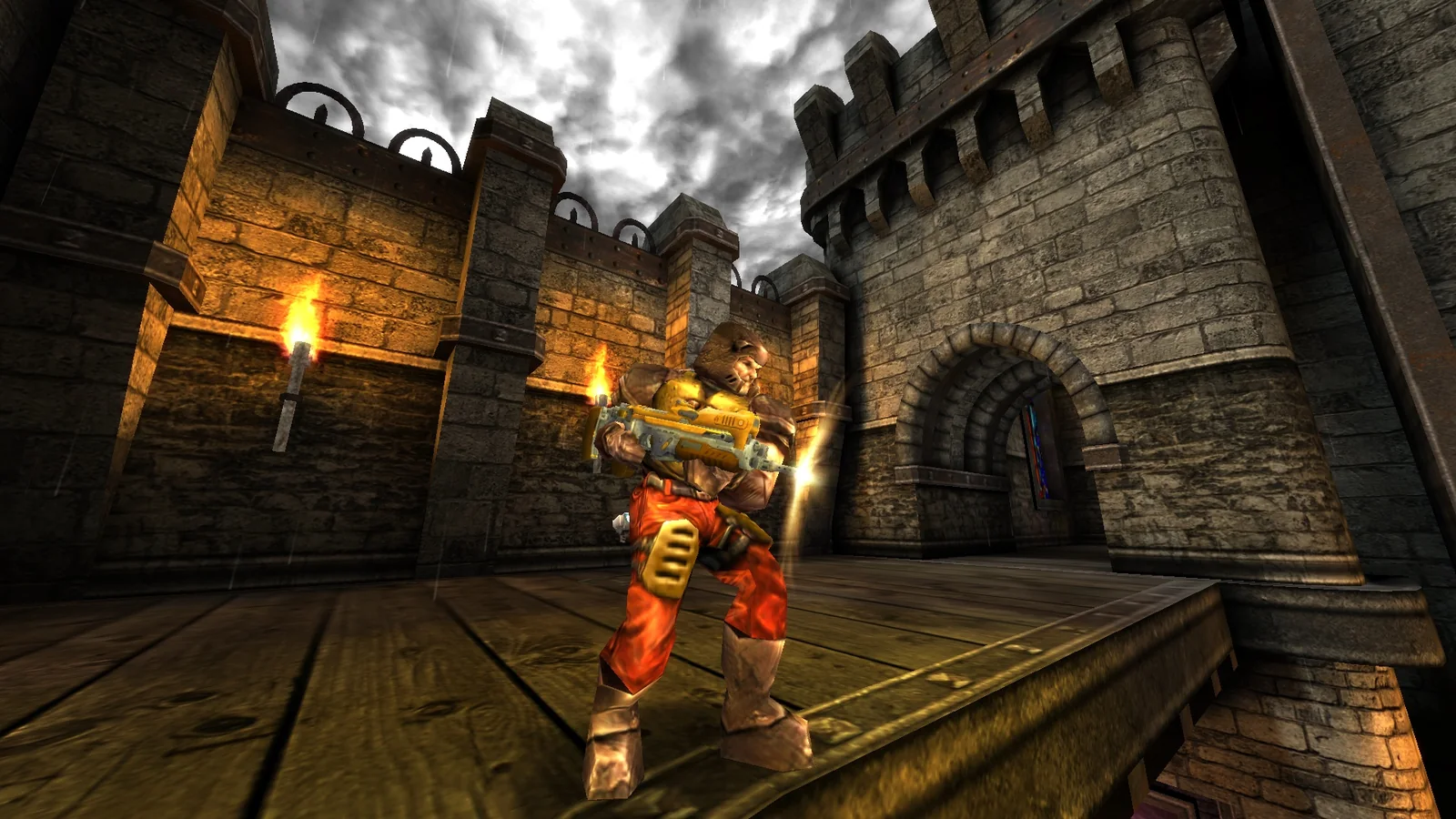
See every player →Quake Live gameplay imagery is an official store screenshot from id Software/Bethesda Softworks via Steam. These are independently operated, unofficial community servers.